MAKE ME VIP
Makeme VIP
Create a professional digital business card with MakeMe VIP. Share your contact details, business information, social profiles, services and more through one easy-to-share digital profile.
Create and share a professional digital business card with your contact details, business information, social profiles and more.
- Professional Digital IdentityPresent contact details and business information in one shareable digital profile
- Easy SharingShare your card through SMS, email, link and other available sharing options
- QR Code SharingLet people open your digital card by scanning a QR code
- Social ProfilesAdd social media links so visitors can follow and connect with you
- Multiple TemplatesChoose from a range of digital card templates for different professional styles
- Click to Call & ContactHelp visitors reach you quickly with tap-to-call and contact details
About Makeme VIP
MakeMe VIP is a digital business card and professional identity platform that helps professionals and businesses create shareable digital profiles instead of relying only on printed visiting cards.
Build a digital card with your contact details, business information, social profiles and other supported profile sections, then share it through a link, QR code, SMS, email or other available sharing options.
MakeMe VIP is designed for everyday networking and professional identity — one digital profile that people can open, save and contact you from, without reprinting paper cards every time something changes.
— EVERYTHING IN ONE DIGITAL CARD —
More Than a Visiting Card — Your Professional Identity
MakeMe VIP brings contact details, social profiles, QR sharing, templates and supported profile sections together in one digital business card experience.
Digital Business Card Builder
Create a professional digital visiting card with your identity, contact details and business information in one shareable profile.
- Digital vCard / business card profiles
- URL alias availability check for your card link
- Business and personal information on one card
- Modern digital card interface
QR Code Sharing
Share your digital card through a QR code so visitors can open your details and pass the code along.
- Scan-to-open digital card
- QR sharing for networking and events
- Custom QR Code options depending on plan
Templates
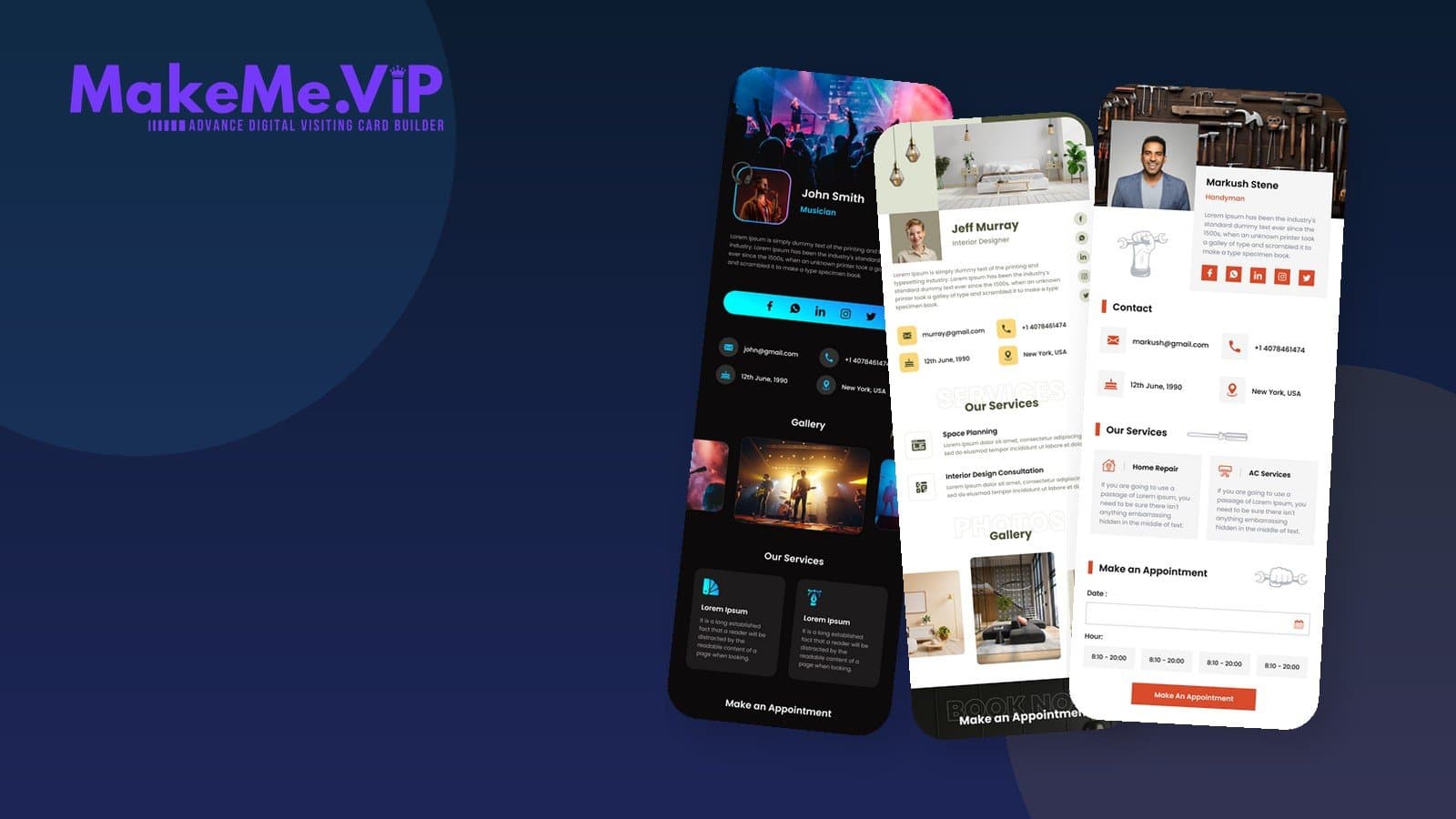
Choose from a range of digital card templates shown on MakeMe VIP. Exact template totals and category labels are not claimed here.
- Various template designs for different professional styles
- Template previews on MakeMe VIP
- Select a template and share your card
Social Profiles
Add social media links so clients and prospects can follow you and explore your online presence from the card.
- Social media links on the card
- Help visitors follow your professional profiles
- Custom links depending on plan/enabled features
Contact & Enquiries
Help people reach you with verified contact actions — tap to call, share via SMS/email, and enquiry messaging where enabled.
- Click / tap to call
- Share card details via SMS, email or other available ways
- Enquiry form / inquiries on the card where enabled
- Email, phone and location contact details
Services & Products
Show services and products on your digital card depending on plan and enabled features. This is profile content — not a claim of full e-commerce checkout.
- Services section on the card where enabled
- Products section depending on plan
- Profile listings for offerings — not invented checkout/payment flows
Gallery, Appointments & Testimonials
Supported profile sections available depending on plan — gallery, appointments and testimonials appear on MakeMe VIP templates and plan feature lists.
- Gallery images on the card where enabled
- Appointment section where enabled
- Testimonials section depending on plan
- Availability depends on plan and enabled features
Custom Branding
Present a branded digital identity with template styling and hide-branding options depending on plan. Advanced CSS/JS customization is not marketed here as a guaranteed capability.
- Template-based card branding
- Hide branding option depending on plan
- Password protection depending on plan
- Dynamic vCard options depending on plan
Ready to create your digital card?
Create Your Digital Card on MakeMe VIP, or explore the platform to see templates and sharing options.
— HOW IT WORKS —
Create and Share Your Digital Card in 5 Steps
Sign up, choose a template, add your details, share with QR or link, then keep your professional identity updated.
- 1Create Your AccountSign in to MakeMe VIP and start a new digital business card.
- 2Choose a TemplateSelect from the available digital card templates that fit your professional style.
- 3Add Your DetailsEnter contact information, business details, social profiles and other supported sections.
- 4Share Your CardShare via link, QR code, SMS, email or other available sharing options.
- 5Stay UpdatedUpdate your digital profile when details change — without reprinting paper cards.
— WHY MAKE ME VIP —
Your Digital Business Card & Professional Identity Platform
MakeMe VIP helps you create one easy-to-share digital profile for contact details, business information, social profiles and more.
Explore MakeMe VIP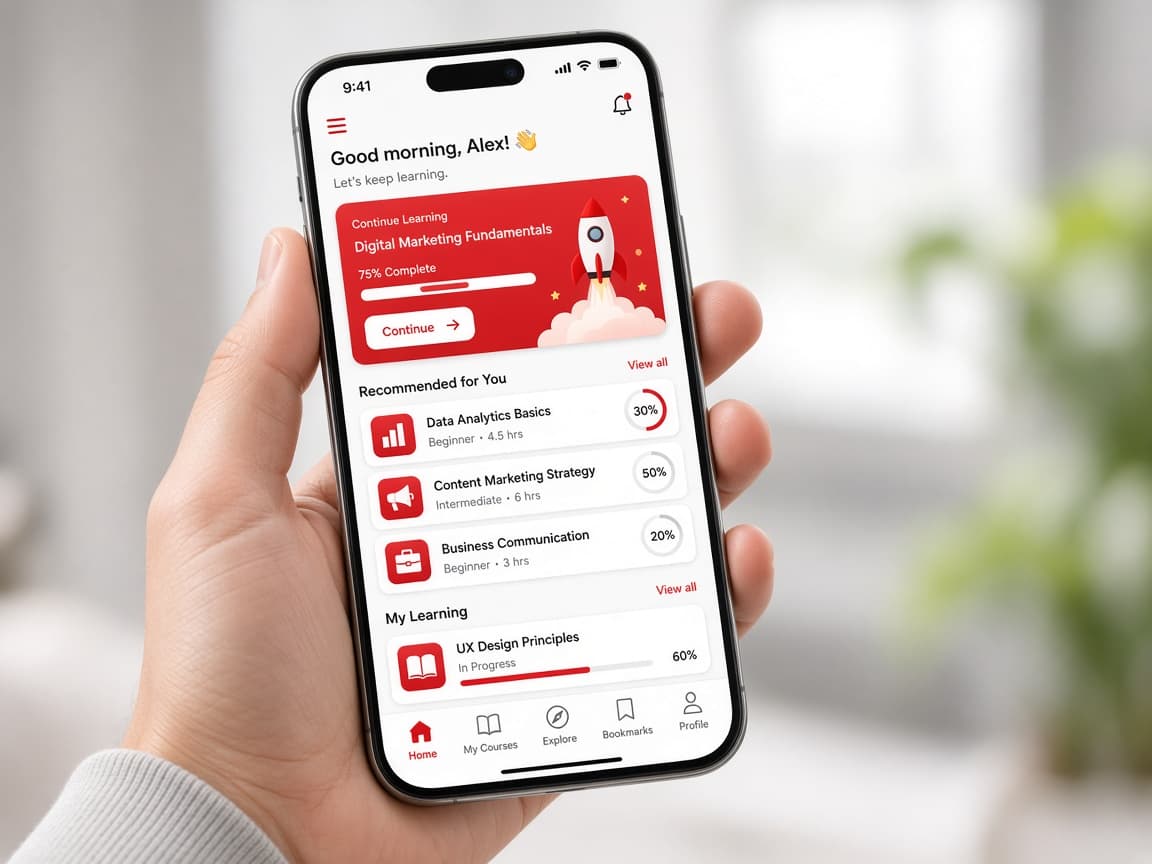
- Digital business card profiles
- QR code sharing
- Social media links
- Multiple templates
- Click to call and enquiry options
- Services and other supported sections depending on plan
Create your digital business card
Build a professional digital profile with MakeMe VIP and share it through a link or QR code.
SEE IT IN ACTION
Explore MakeMe VIP Digital Cards
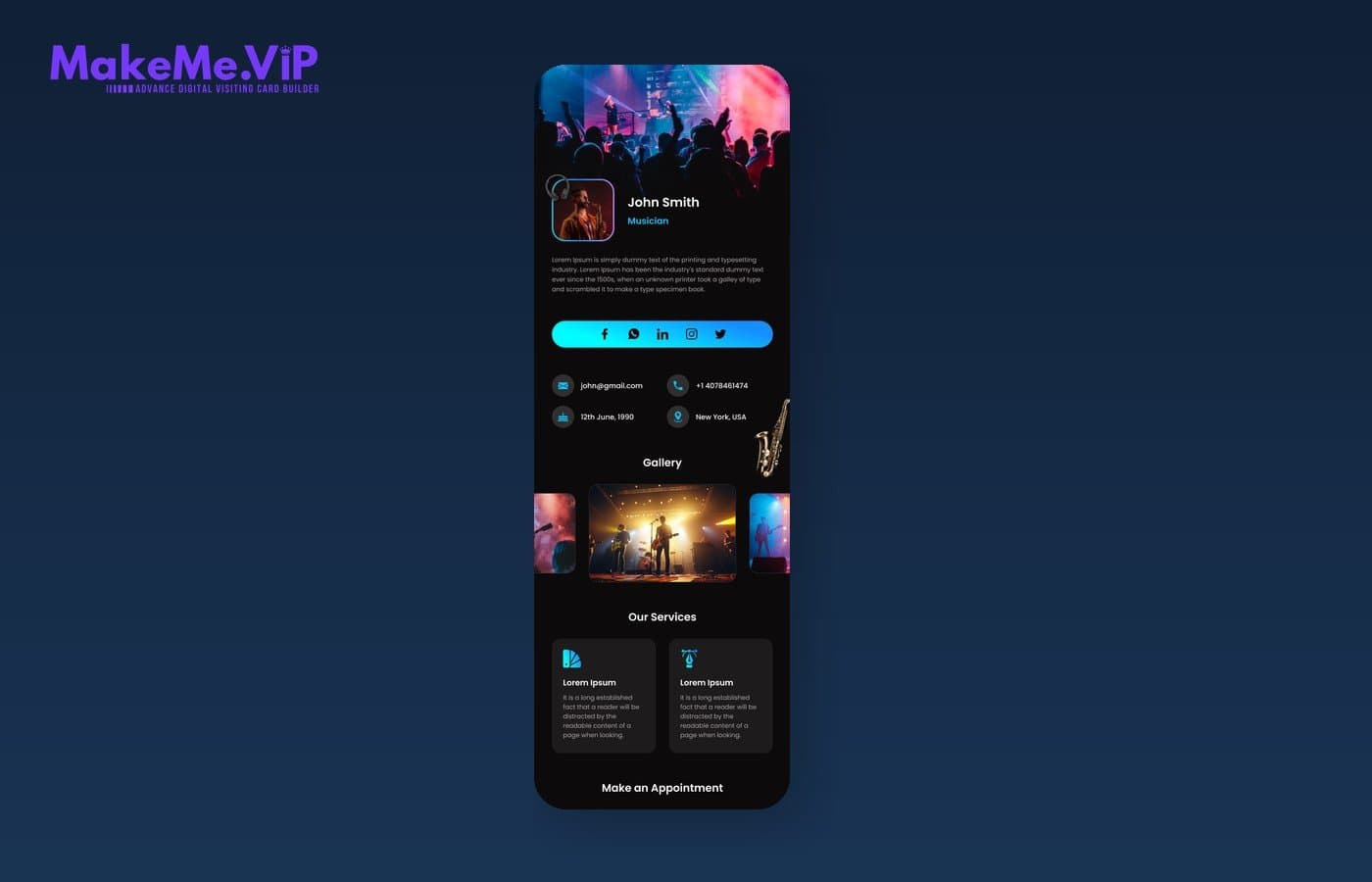
MakeMe VIP-branded digital card template views from the deployed product — profiles, contact details, social links, services and more.
Ready to explore MakeMe VIP?
Open MakeMe VIP to create your digital card, or enquire with our team for onboarding help.
Testimonials
What Our Users Say
Real feedback from people using our products.
Vidya Cube helped our team upskill quickly with practical workflows we could apply the same week.

Aigeko made research and content planning faster for our marketing pod without losing quality.

Towns Trend gave us clearer local insights and helped us prioritise campaigns with confidence.

Warocket became our go-to practice workspace for campaign launches and team experiments.

Vidya Cube helped our team upskill quickly with practical workflows we could apply the same week.
Aigeko made research and content planning faster for our marketing pod without losing quality.
Towns Trend gave us clearer local insights and helped us prioritise campaigns with confidence.
Warocket became our go-to practice workspace for campaign launches and team experiments.
— GET IN TOUCH —
Create Your Digital Card
Start with MakeMe VIP to create a professional digital business card, or request help from our team.
Or contact us directly
Reach out through your preferred channel.
Ready to Transform Your School?
Book a free demo and see how Makeme VIP can simplify your school management.
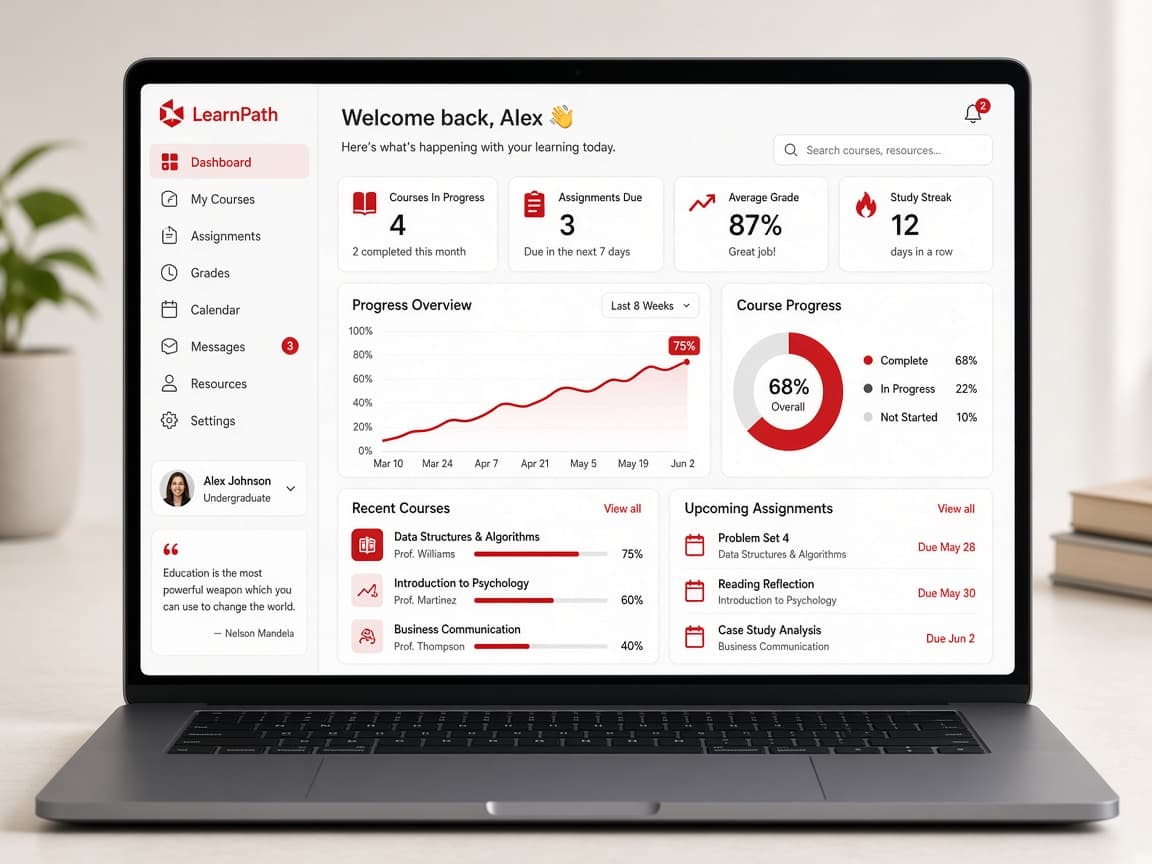
Explore more tools from Stepping Skills.
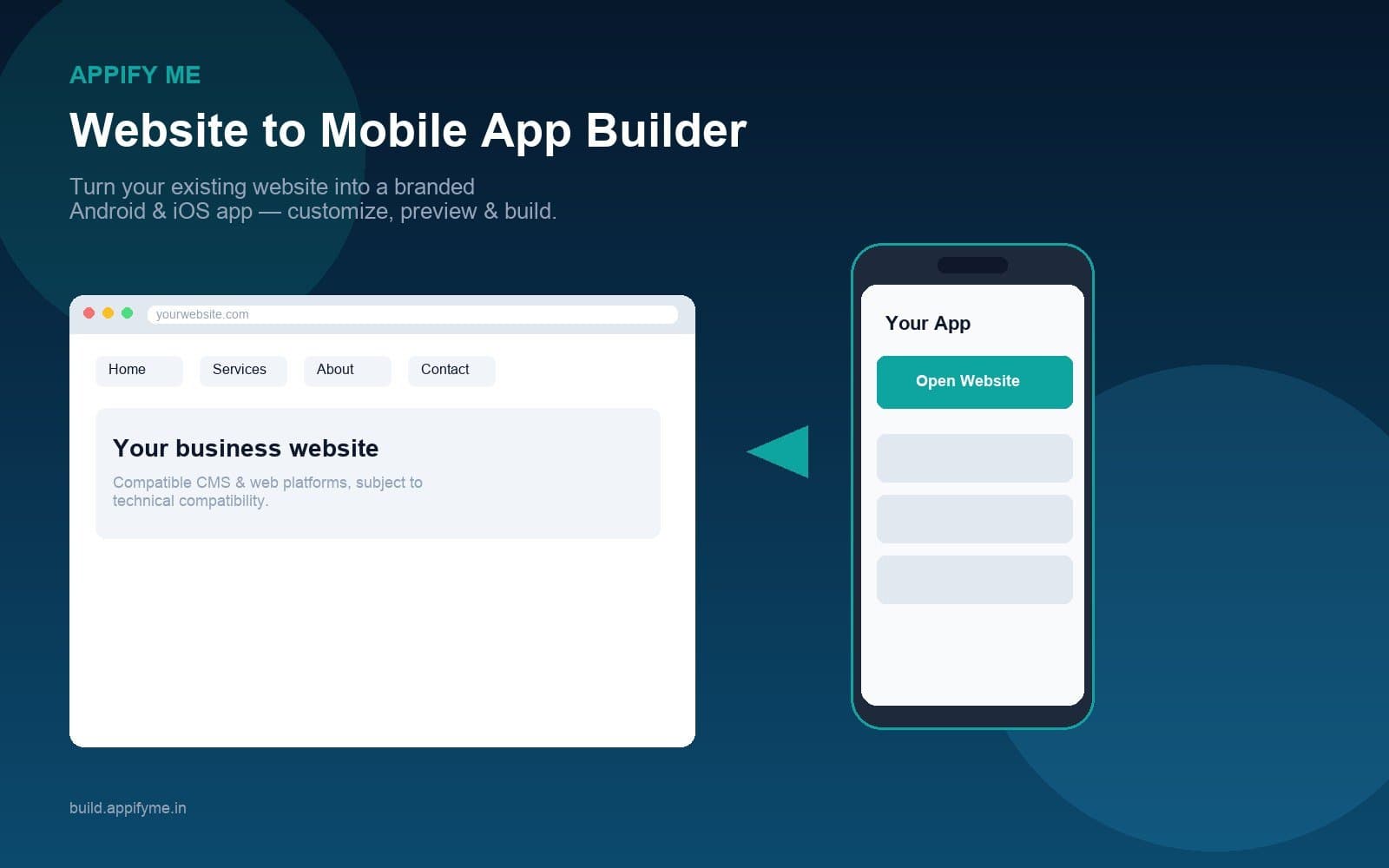
Appify Me
Create branded Android and iOS apps from your existing website with an online app builder designed for businesses, agencies and website owners.
Turn your existing website into a branded Android and iOS app with Appify Me. Customize branding and navigation, preview the experience, generate builds and manage your mobile app online.
- Website to App
- Android & iOS
- Custom Branding
- Live Preview
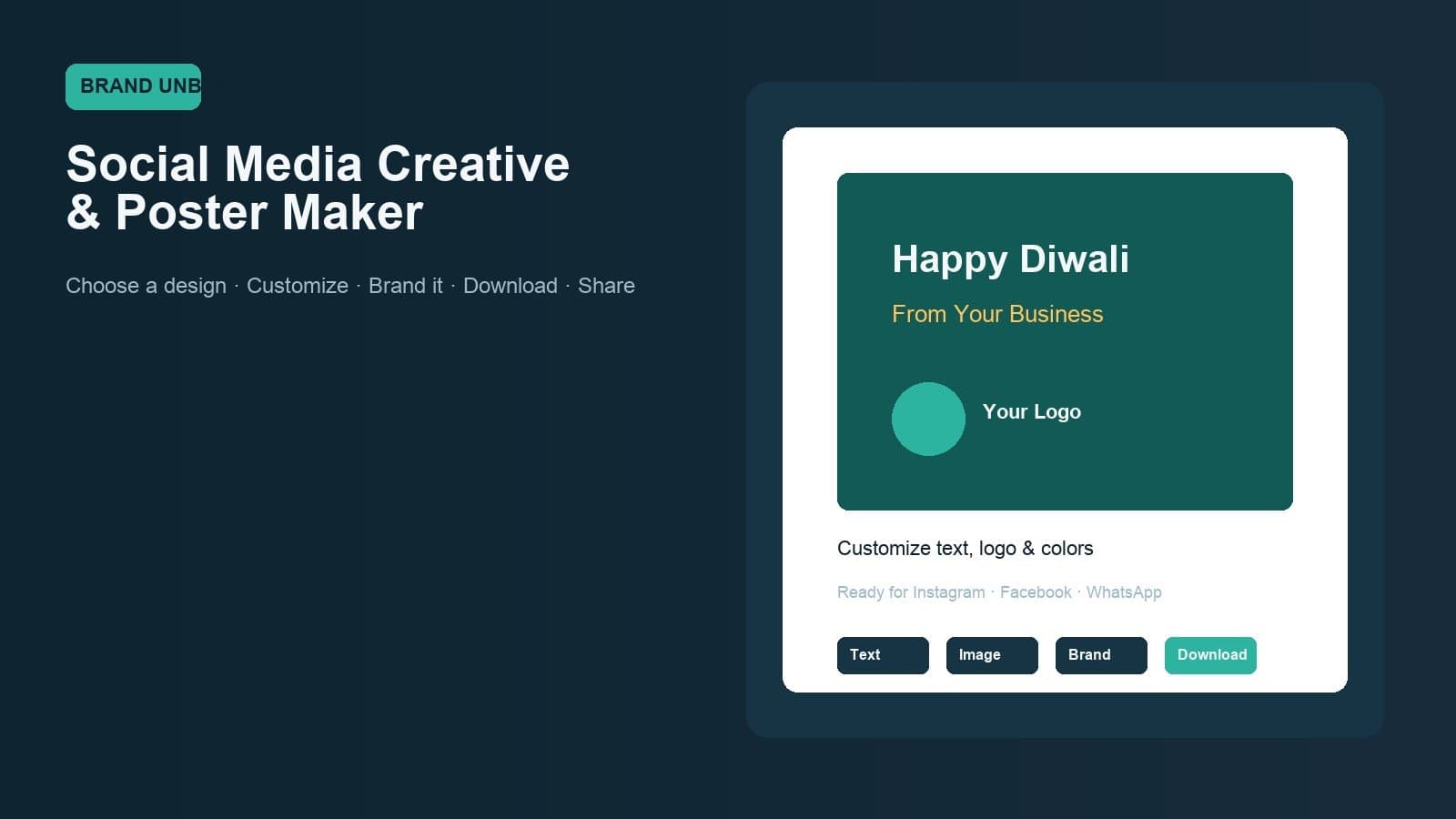
Brand Unbox
Choose a ready-made design, customize it with your business information and create professional festival, promotional and social media creatives without starting from scratch.
Create branded social media posts, festival creatives and business posters with Brand Unbox. Choose a ready-made design, customize it with your content and branding, then download and share.
- Ready-Made Templates
- Business Branding
- Festival Creatives
- Creative Editor
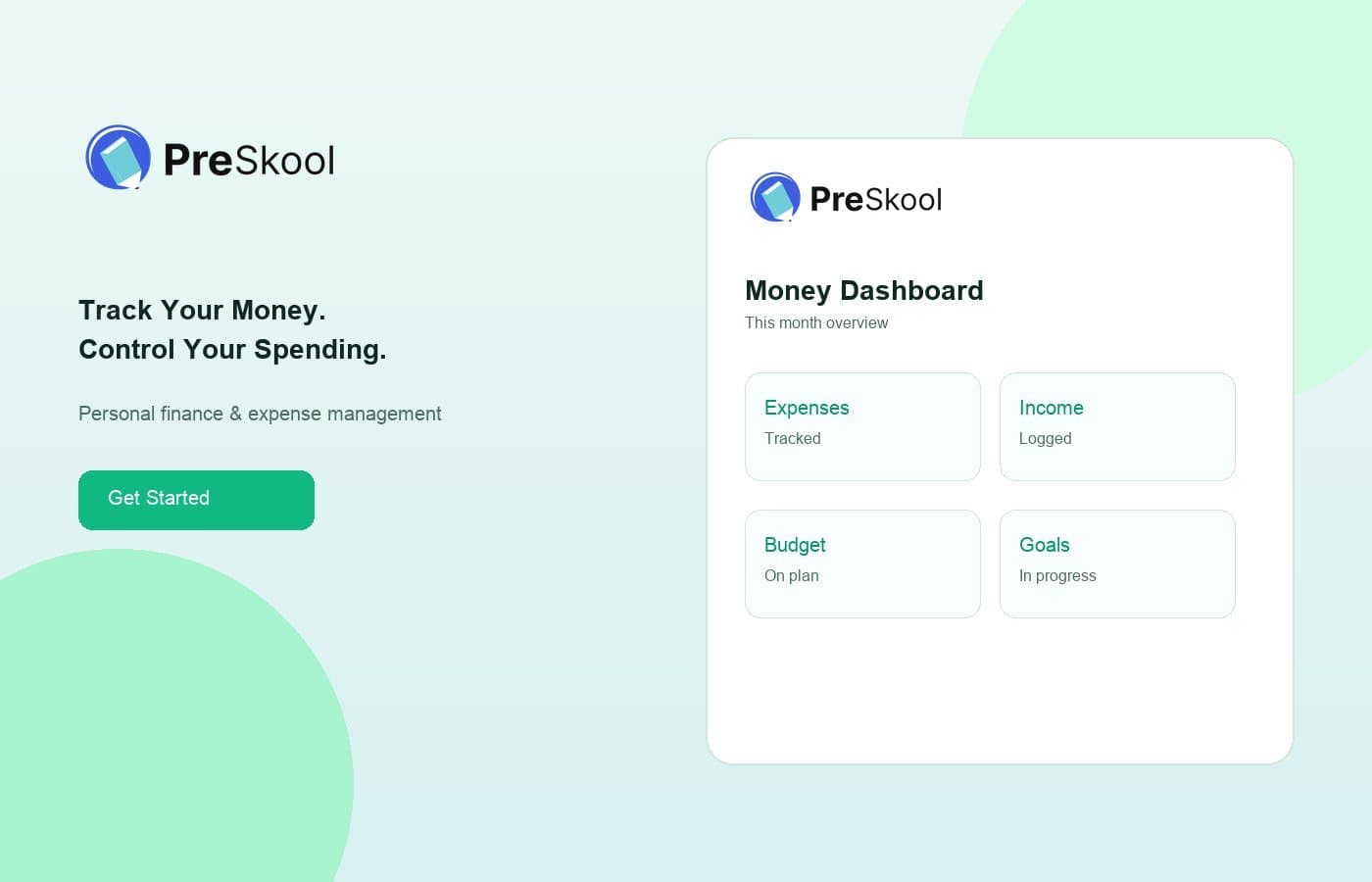
Piggyfy
Track Your Money. Control Your Spending.
Track expenses, manage income, set budgets and monitor financial goals with Piggyfy — a simple personal finance and money management platform.
- Expense Tracking
- Income Management
- Budget Planning
- Spending Insights
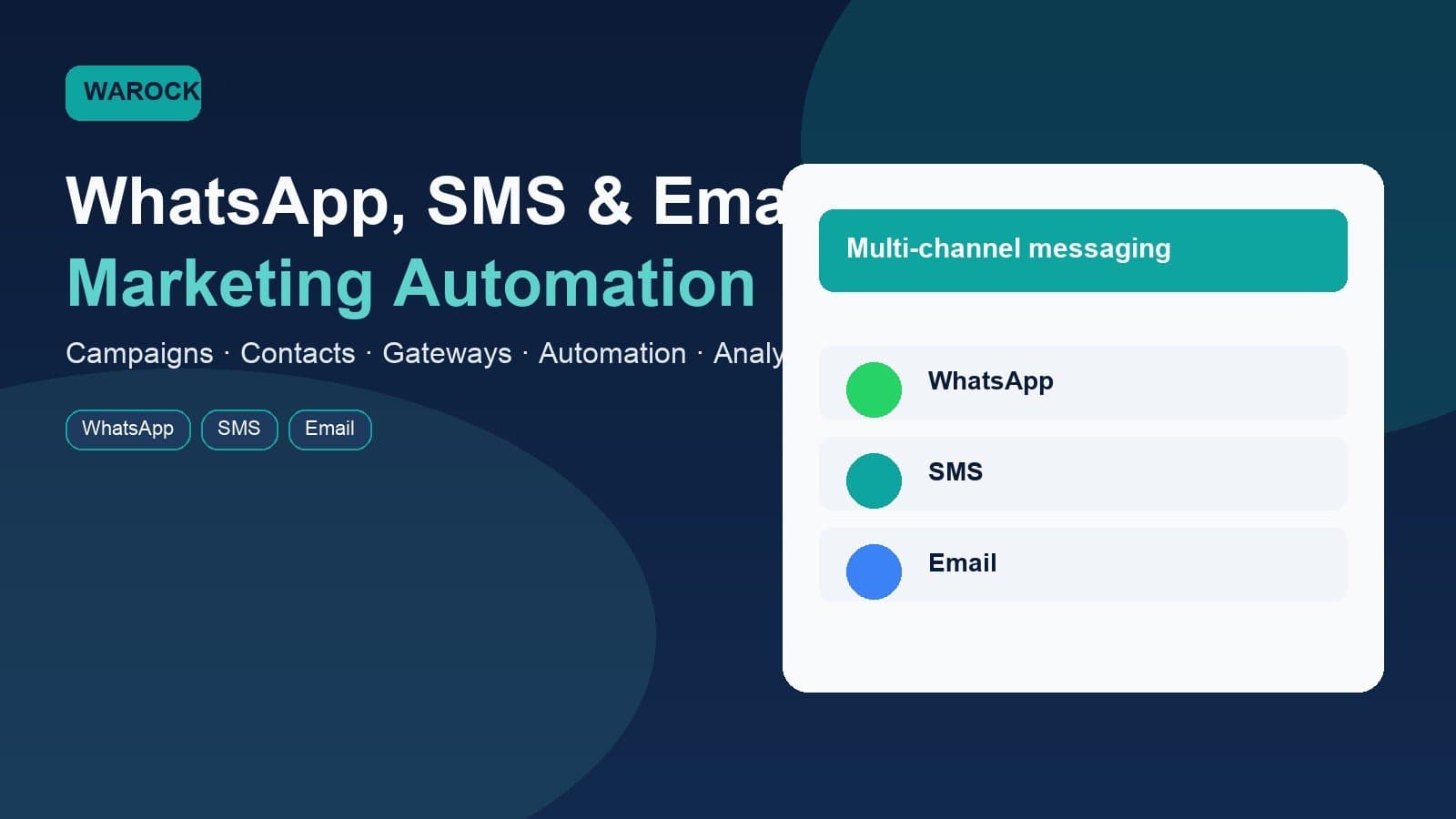
WA Rocket
Connect With Customers Across WhatsApp, SMS & Email
Warocket brings campaigns, contacts, automation, messaging gateways and communication analytics together in one platform.
- WhatsApp Marketing
- Bulk SMS
- Email Marketing
- Campaign Automation
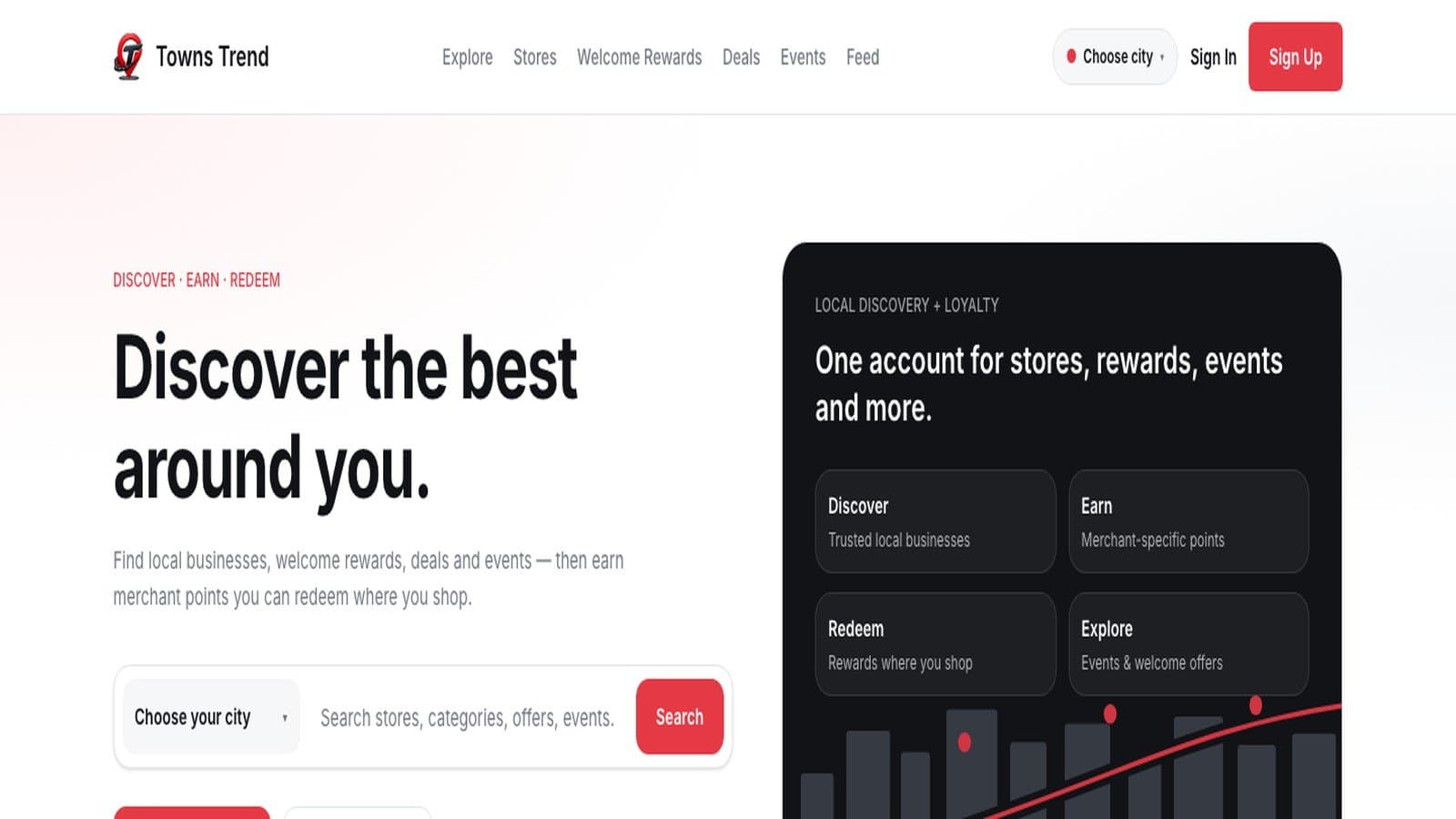
Towns Trend
Local commerce, loyalty and business discovery for shoppers and merchants
Discover local businesses, offers, events and rewards with Towns Trend while helping merchants build loyalty, engage customers and grow repeat business.
- Discover Local Businesses
- Digital Membership
- Earn Loyalty Rewards
- Offers & Deals
Ai Geko
Automate Your Marketing, Sales & Support on WhatsApp
Ai Geko brings WhatsApp campaigns, lead management, chatbots, e-commerce automation and AI-powered customer support together in one platform.
- WhatsApp Marketing
- Lead Automation
- No-Code Bots
- E-commerce Integration
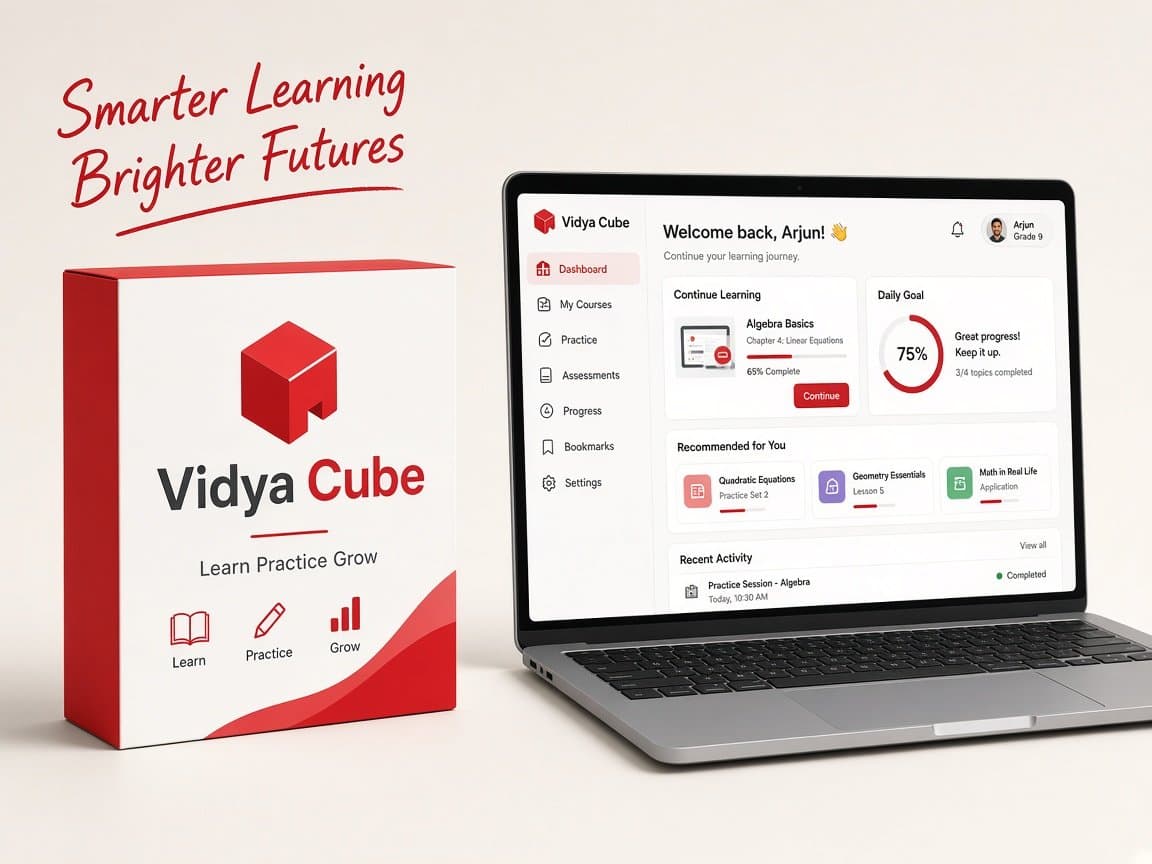
Vidya Cube
Learn Practice Grow
Your complete learning companion with structured practice, mock tests, progress tracking and AI-powered guidance. Designed to help you learn smarter and achieve more.
- Structured Learning
- Mock Tests
- Progress Tracking
- AI Recommendations
Appify Me
Create branded Android and iOS apps from your existing website with an online app builder designed for businesses, agencies and website owners.
Turn your existing website into a branded Android and iOS app with Appify Me. Customize branding and navigation, preview the experience, generate builds and manage your mobile app online.
- Website to App
- Android & iOS
- Custom Branding
- Live Preview
Brand Unbox
Choose a ready-made design, customize it with your business information and create professional festival, promotional and social media creatives without starting from scratch.
Create branded social media posts, festival creatives and business posters with Brand Unbox. Choose a ready-made design, customize it with your content and branding, then download and share.
- Ready-Made Templates
- Business Branding
- Festival Creatives
- Creative Editor
Piggyfy
Track Your Money. Control Your Spending.
Track expenses, manage income, set budgets and monitor financial goals with Piggyfy — a simple personal finance and money management platform.
- Expense Tracking
- Income Management
- Budget Planning
- Spending Insights
WA Rocket
Connect With Customers Across WhatsApp, SMS & Email
Warocket brings campaigns, contacts, automation, messaging gateways and communication analytics together in one platform.
- WhatsApp Marketing
- Bulk SMS
- Email Marketing
- Campaign Automation
Towns Trend
Local commerce, loyalty and business discovery for shoppers and merchants
Discover local businesses, offers, events and rewards with Towns Trend while helping merchants build loyalty, engage customers and grow repeat business.
- Discover Local Businesses
- Digital Membership
- Earn Loyalty Rewards
- Offers & Deals
Ai Geko
Automate Your Marketing, Sales & Support on WhatsApp
Ai Geko brings WhatsApp campaigns, lead management, chatbots, e-commerce automation and AI-powered customer support together in one platform.
- WhatsApp Marketing
- Lead Automation
- No-Code Bots
- E-commerce Integration
Vidya Cube
Learn Practice Grow
Your complete learning companion with structured practice, mock tests, progress tracking and AI-powered guidance. Designed to help you learn smarter and achieve more.
- Structured Learning
- Mock Tests
- Progress Tracking
- AI Recommendations