WEBSITE TO MOBILE APP BUILDER
Appify Me
Create branded Android and iOS apps from your existing website with an online app builder designed for businesses, agencies and website owners.
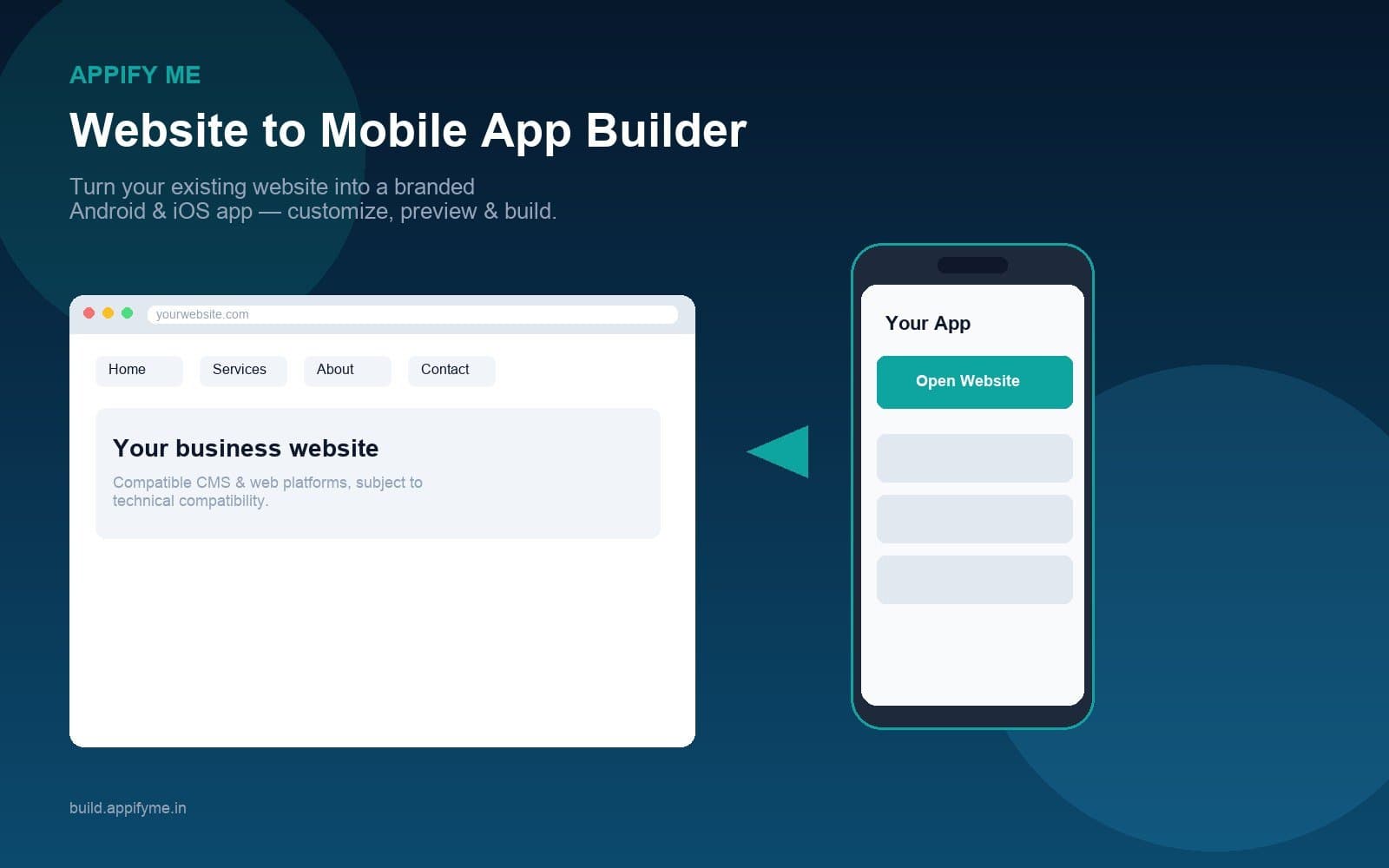
Turn your existing website into a branded Android and iOS app with Appify Me. Customize branding and navigation, preview the experience, generate builds and manage your mobile app online.
- Website-to-App ConversionStart with an existing website and configure it for a mobile application experience
- Custom App BrandingConfigure app name, icon, splash screen, colors and branding elements
- Android & iOS BuildsGenerate supported Android and iOS application builds from your configuration
- Mobile NavigationConfigure tabs, menus and other supported app navigation options
- Build ManagementManage application builds and generation workflows from the platform
- Push NotificationsConfigure supported push-notification functionality for your app
About Appify Me
Appify Me is an online website-to-mobile-app builder that helps businesses, agencies and website owners turn existing websites and web applications into branded Android and iOS apps — without building the mobile application from scratch.
Connect your website, configure the mobile experience, customize branding and navigation, preview the app, then generate supported Android or iOS builds from an online dashboard.
Appify Me is not a mobile-development agency, school ERP, CRM, website builder, AI coding platform, social app or app-store marketplace. The core promise is simple: Website → Mobile App.
Supports websites across popular CMS and web platforms, subject to technical compatibility. Publishing still requires the appropriate Google Play and Apple developer accounts and store review.
— POWERFUL FEATURES —
Everything You Need to Build Branded Mobile Apps
Appify Me brings website connection, branding, navigation, live preview, build generation and app management together in one online platform — focused on Website → Mobile App outcomes.
Website-to-App Builder
Start with an existing website or web application and configure a branded mobile app experience around it — without building the mobile app from scratch.
- Connect your website URL
- Business, content and service websites
- Compatible e-commerce and CMS sites, subject to technical compatibility
- Web applications where wrapping is supported
App Customization
Make the mobile app feel like your brand with supported configuration for identity, assets and layout.
- App name
- App icon
- Splash screen
- Brand colors and design settings
App Design & Navigation
Configure the mobile experience your way — templates, menus and navigation controls available in the platform.
- Design and template settings
- Bottom tab bar where supported
- Side menu where supported
- Top bar and main navigation items
Live Preview
Review the configured mobile experience before generating the final build, including device-oriented preview workflows where supported.
- Request and review a live preview
- Device-style preview of the configured app
- QR-based preview workflow where supported
- Iterate on branding and navigation before packaging
Android & iOS Builds
Generate supported mobile packages from your configured project and prepare them for publishing workflows.
- Android APK and AAB formats when configured
- iOS builds where Apple signing is available
- Signing asset management for projects
- Build status from your project workspace
Push Notifications
Configure supported push-notification functionality for your mobile application when the notification integration is set up.
- Per-app push settings
- Supported provider integration (including OneSignal where configured)
- Notification configuration from the app workspace
- Requires correct provider setup and keys
App Management
Manage application projects and configuration from a centralized online environment.
- App list and project details
- App configuration and branding
- Build and signing workspaces
- Notification configuration
For Agencies & Businesses
Use Appify Me to deliver website-to-app outcomes for your own brand or for customers through the multi-customer admin environment where enabled.
- Customer accounts and app ownership
- Subscription and one-time plans where configured
- Admin dashboard for apps, plans, tickets and transactions
- Agency workflow: configure, preview, build, prepare publishing
Ready to turn your website into an app?
Build Your App on Appify Me, or request a demo to see the website-to-app workflow for your business.
— HOW IT WORKS —
From Website to Mobile App in 5 Steps
Connect your website, customize the app, preview the experience, generate builds, then prepare for publishing.
- 1Add Your WebsiteEnter your website URL and basic app information to start a new project.
- 2Customize Your AppConfigure app name, icon, splash screen, colors and supported navigation options.
- 3PreviewReview the configured mobile experience before generating the final build.
- 4BuildGenerate the supported Android or iOS application build using the configured build workflow.
- 5Prepare for PublishingPrepare packages for Google Play, the App Store or other supported distribution workflows. Developer accounts and store review still apply.
— ABOUT APPIFY ME —
Your Website. Your Brand. Your Mobile App.
Appify Me helps businesses bring existing websites and web experiences to mobile without starting the entire application-development process from scratch.
Explore Appify Me
- Website-to-app conversion
- Custom branding and navigation
- Live preview before you build
- Android APK/AAB and iOS builds where configured
- Push notifications where integrated
- Centralized app and customer management
Turn your website into a mobile app
Start with the website you already have, customize the mobile experience and generate branded builds with Appify Me.
SEE IT IN ACTION
Explore Appify Me in Action
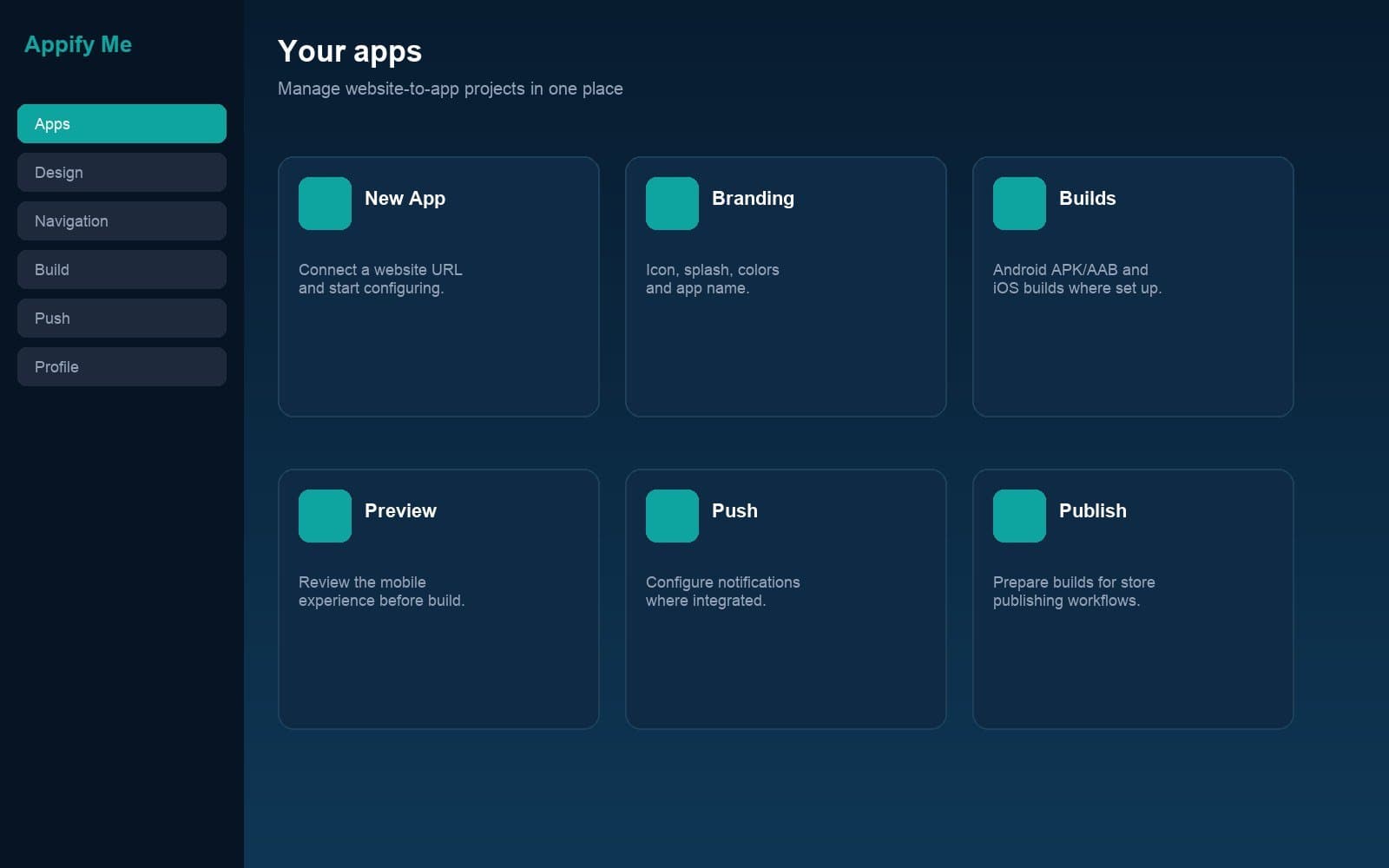
Appify Me-branded views of the website-to-app workflow — dashboard, customization, preview, builds, push and admin — without source-vendor branding.
Ready to build your app?
Open Appify Me to start configuring your app, or request a demo with our team.
Testimonials
What Our Users Say
Real feedback from people using our products.
Vidya Cube helped our team upskill quickly with practical workflows we could apply the same week.

Aigeko made research and content planning faster for our marketing pod without losing quality.

Towns Trend gave us clearer local insights and helped us prioritise campaigns with confidence.

Warocket became our go-to practice workspace for campaign launches and team experiments.

Vidya Cube helped our team upskill quickly with practical workflows we could apply the same week.
Aigeko made research and content planning faster for our marketing pod without losing quality.
Towns Trend gave us clearer local insights and helped us prioritise campaigns with confidence.
Warocket became our go-to practice workspace for campaign launches and team experiments.
— GET IN TOUCH —
Request a Demo
See how Appify Me can help you turn an existing website into a branded Android and iOS app — or talk to sales about agency and business plans.
Or contact us directly
Reach out through your preferred channel.
Ready to Transform Your School?
Book a free demo and see how Appify Me can simplify your school management.
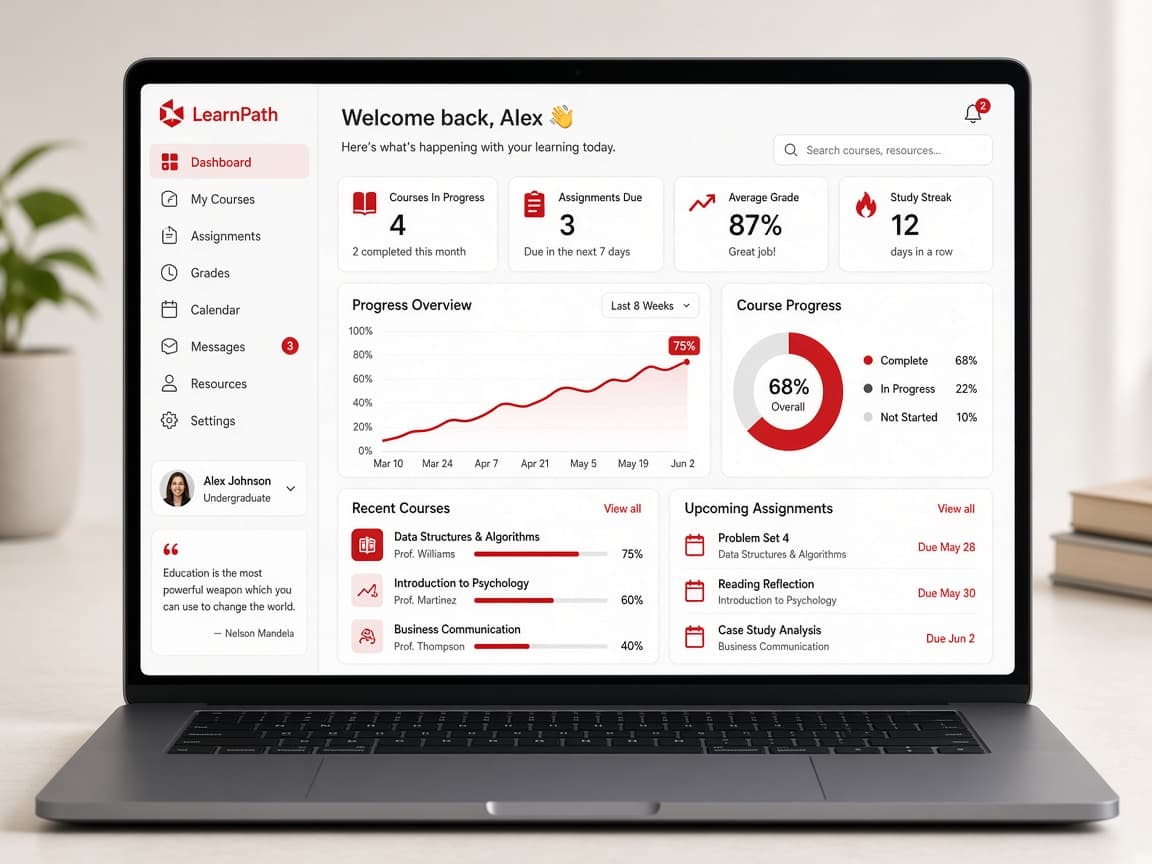
Explore more tools from Stepping Skills.
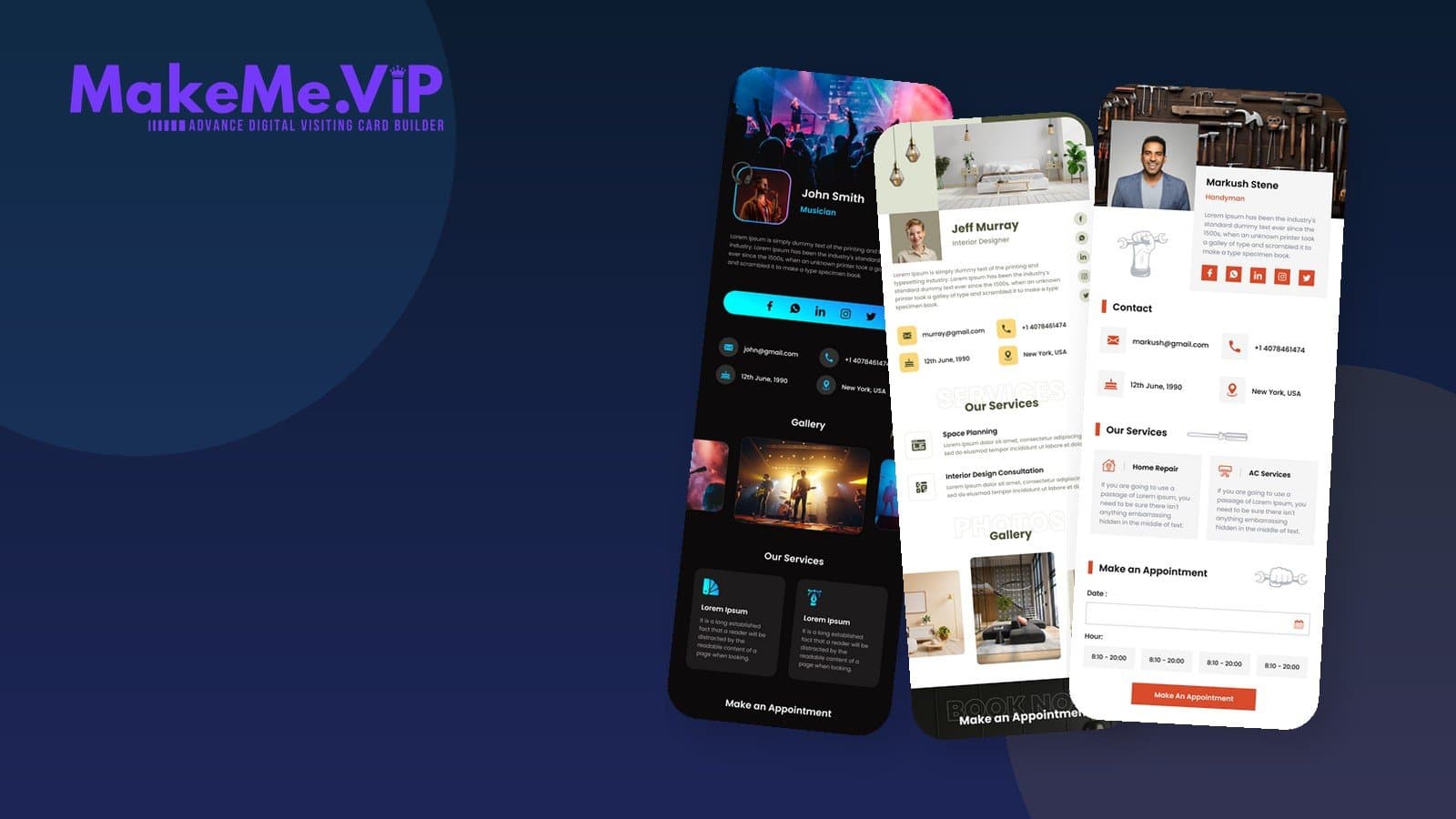
Makeme VIP
Create a professional digital business card with MakeMe VIP. Share your contact details, business information, social profiles, services and more through one easy-to-share digital profile.
Create and share a professional digital business card with your contact details, business information, social profiles and more.
- Digital Business Card
- QR Sharing
- Social Profiles
- Professional Templates
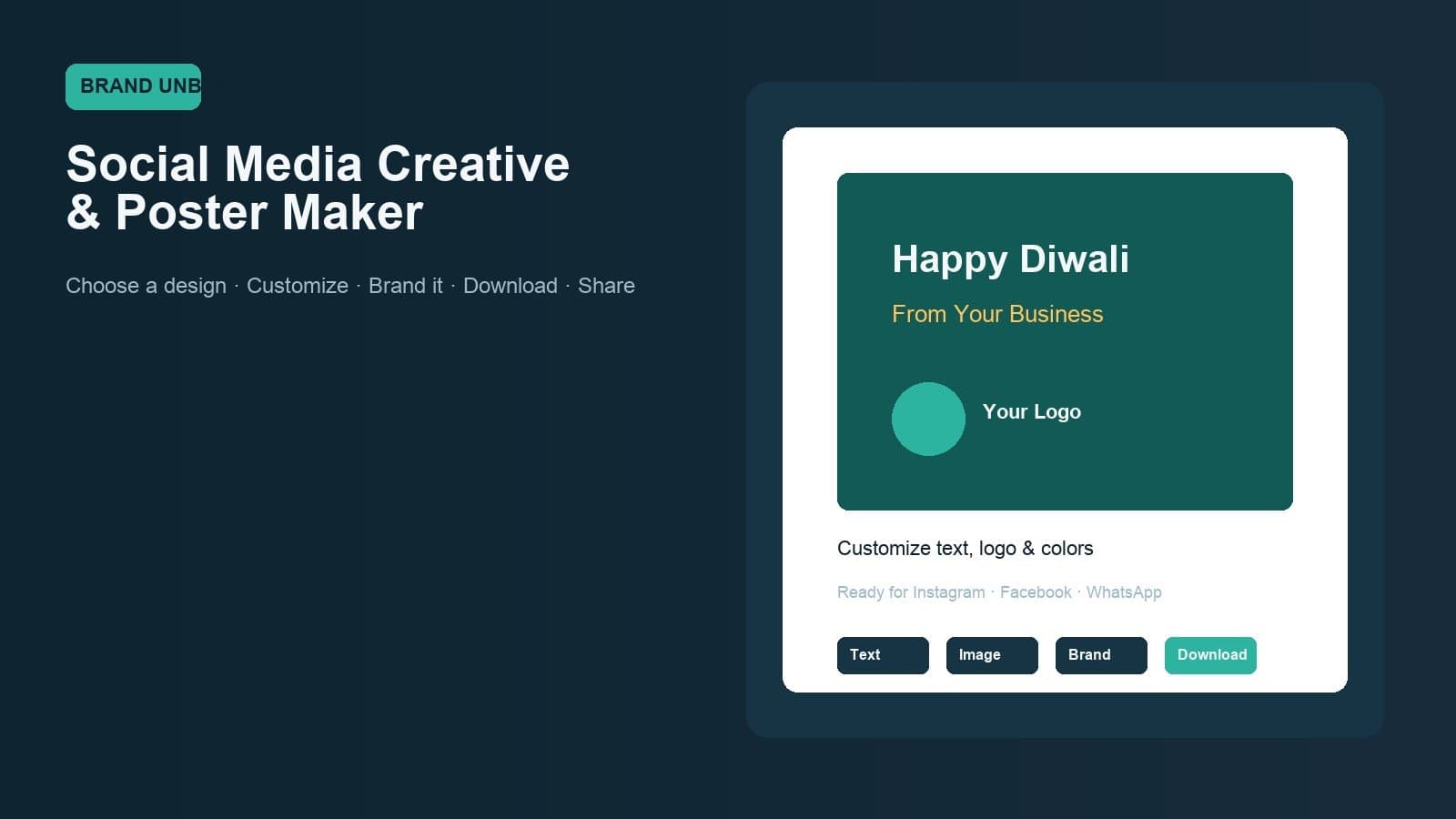
Brand Unbox
Choose a ready-made design, customize it with your business information and create professional festival, promotional and social media creatives without starting from scratch.
Create branded social media posts, festival creatives and business posters with Brand Unbox. Choose a ready-made design, customize it with your content and branding, then download and share.
- Ready-Made Templates
- Business Branding
- Festival Creatives
- Creative Editor
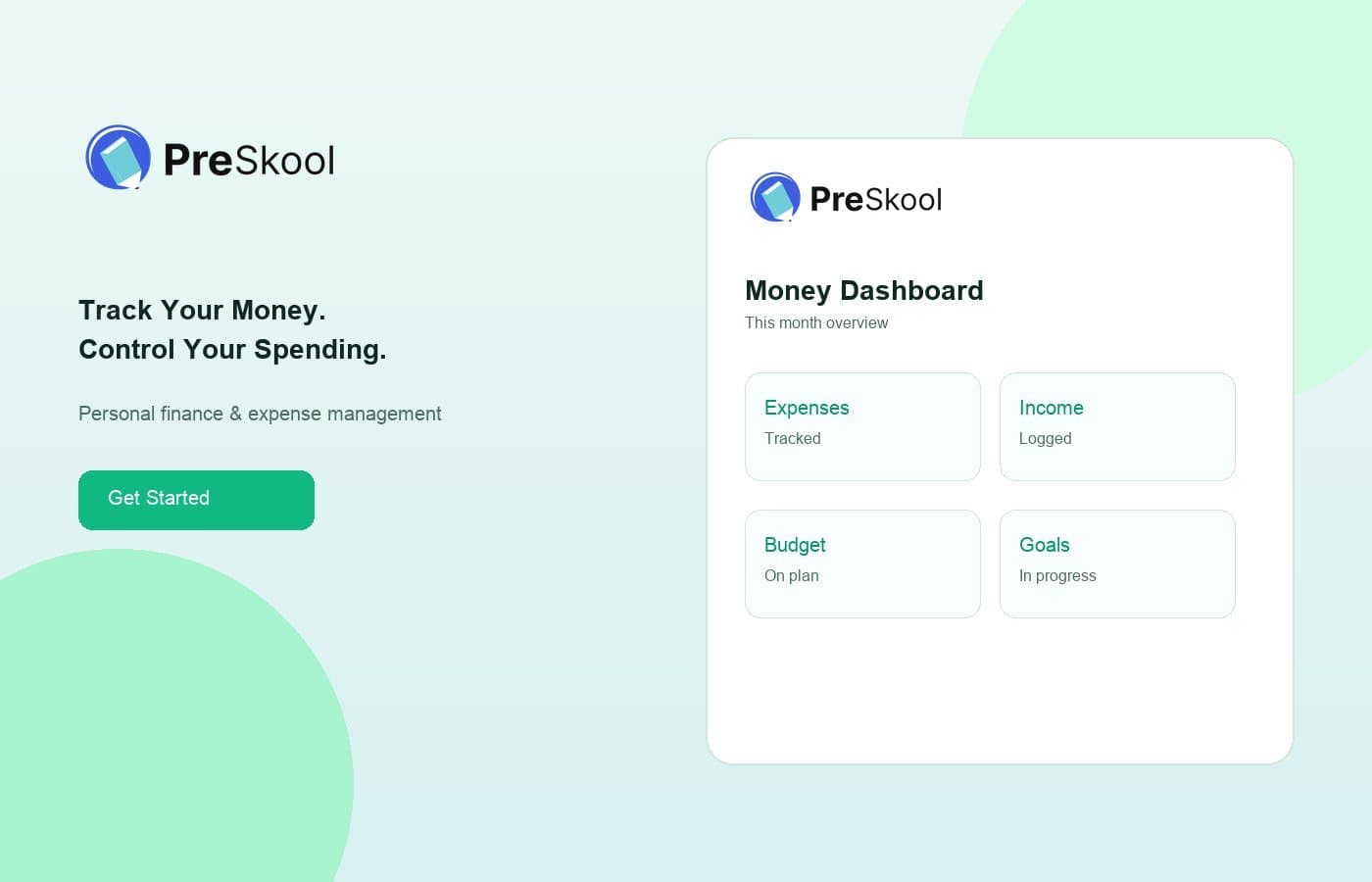
Piggyfy
Track Your Money. Control Your Spending.
Track expenses, manage income, set budgets and monitor financial goals with Piggyfy — a simple personal finance and money management platform.
- Expense Tracking
- Income Management
- Budget Planning
- Spending Insights
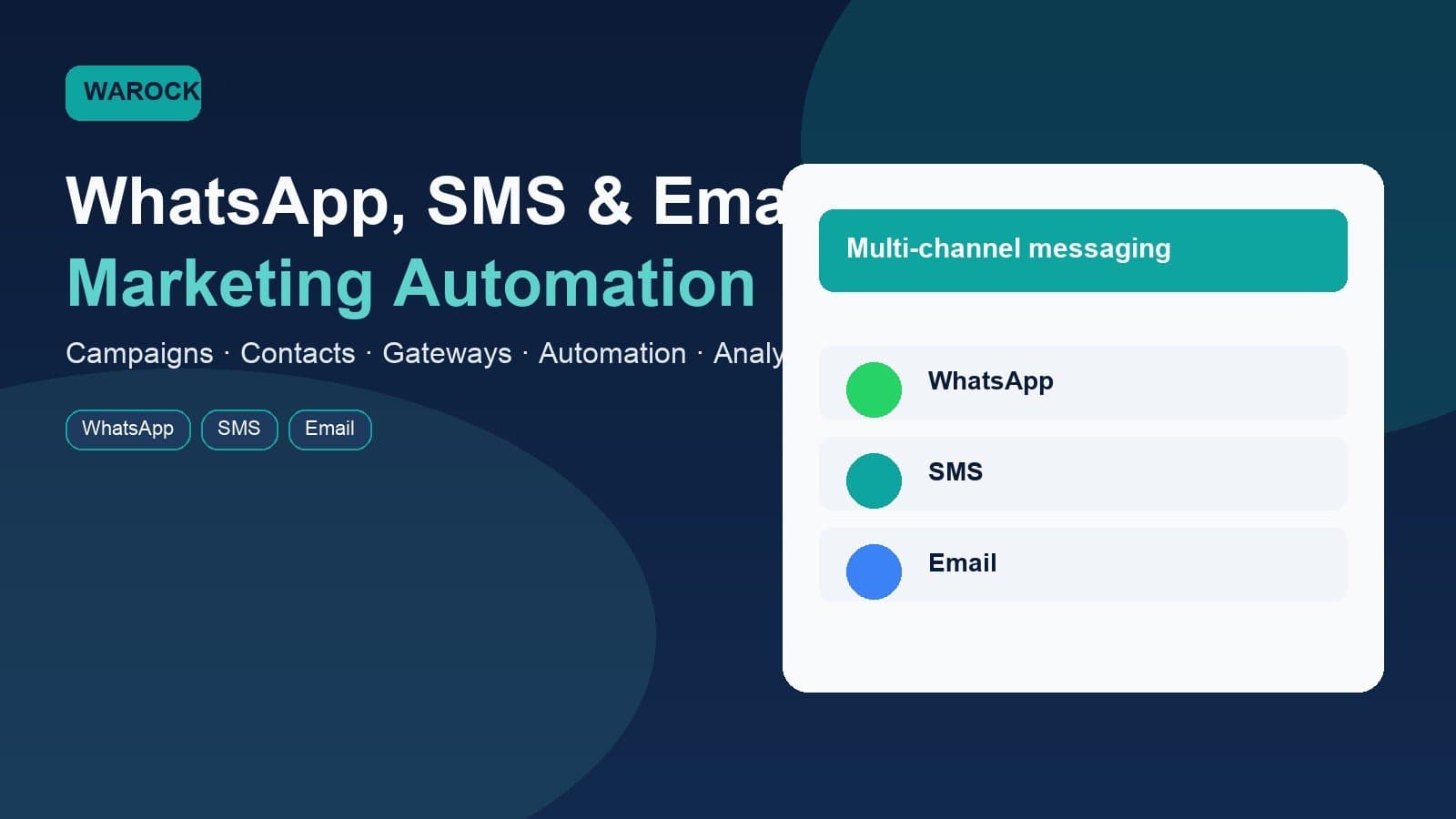
WA Rocket
Connect With Customers Across WhatsApp, SMS & Email
Warocket brings campaigns, contacts, automation, messaging gateways and communication analytics together in one platform.
- WhatsApp Marketing
- Bulk SMS
- Email Marketing
- Campaign Automation
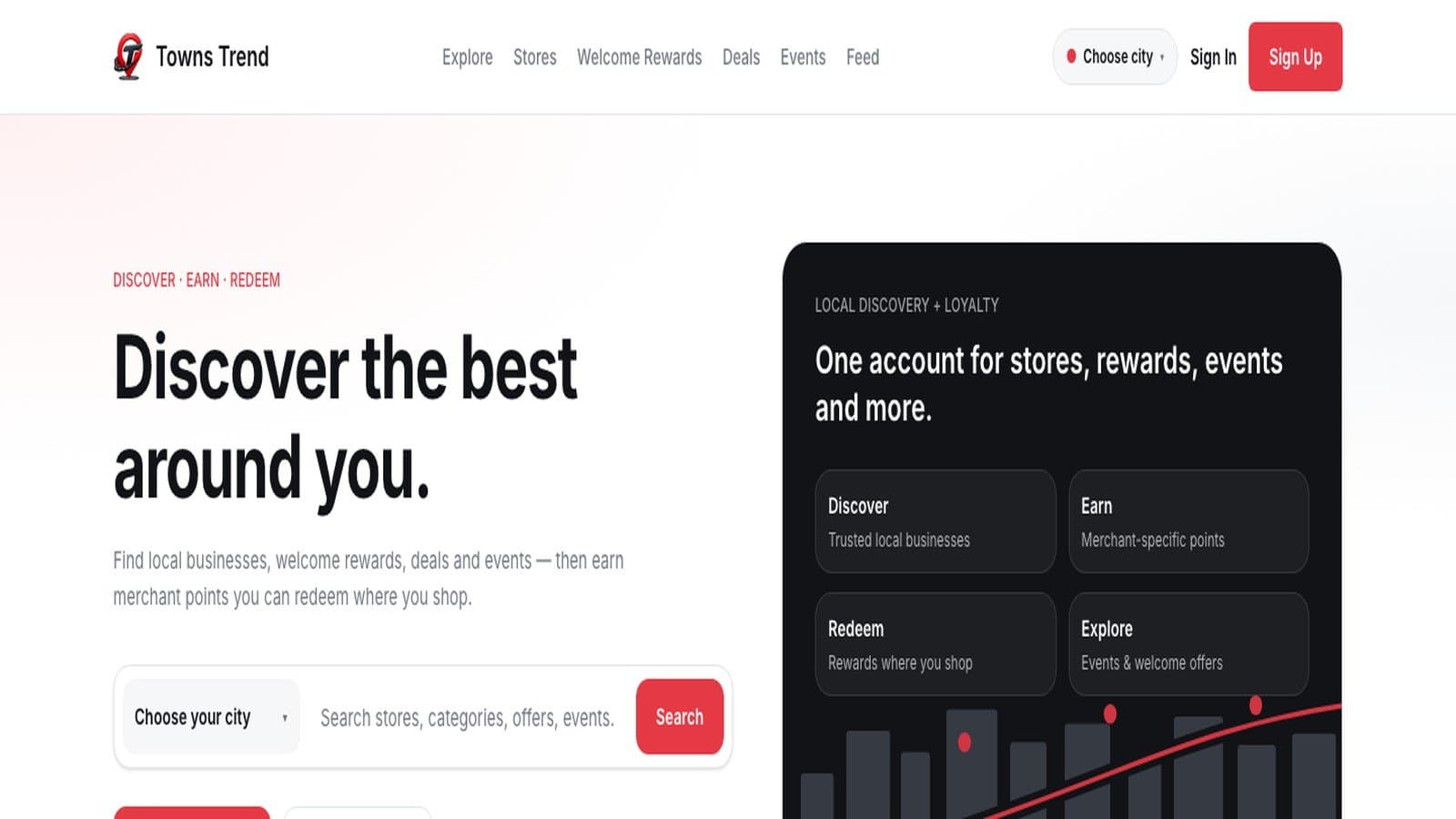
Towns Trend
Local commerce, loyalty and business discovery for shoppers and merchants
Discover local businesses, offers, events and rewards with Towns Trend while helping merchants build loyalty, engage customers and grow repeat business.
- Discover Local Businesses
- Digital Membership
- Earn Loyalty Rewards
- Offers & Deals
Ai Geko
Automate Your Marketing, Sales & Support on WhatsApp
Ai Geko brings WhatsApp campaigns, lead management, chatbots, e-commerce automation and AI-powered customer support together in one platform.
- WhatsApp Marketing
- Lead Automation
- No-Code Bots
- E-commerce Integration
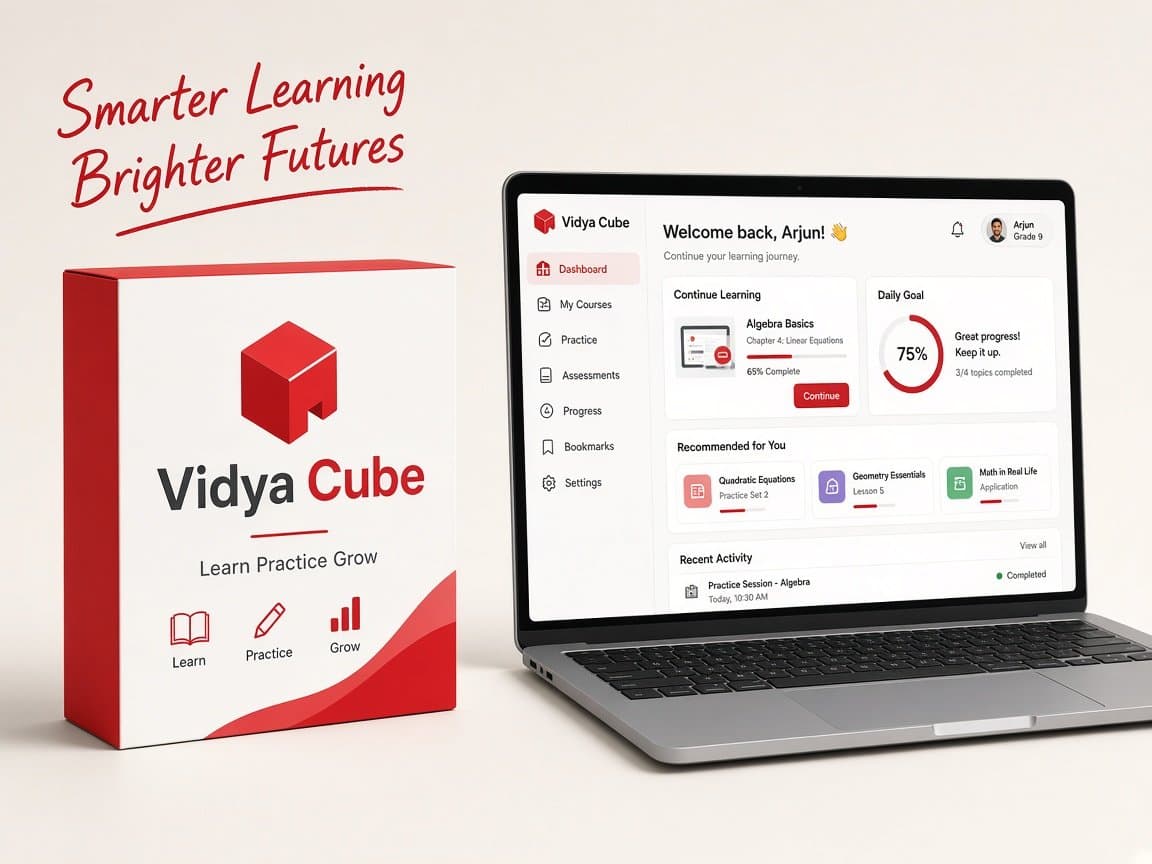
Vidya Cube
Learn Practice Grow
Your complete learning companion with structured practice, mock tests, progress tracking and AI-powered guidance. Designed to help you learn smarter and achieve more.
- Structured Learning
- Mock Tests
- Progress Tracking
- AI Recommendations
Makeme VIP
Create a professional digital business card with MakeMe VIP. Share your contact details, business information, social profiles, services and more through one easy-to-share digital profile.
Create and share a professional digital business card with your contact details, business information, social profiles and more.
- Digital Business Card
- QR Sharing
- Social Profiles
- Professional Templates
Brand Unbox
Choose a ready-made design, customize it with your business information and create professional festival, promotional and social media creatives without starting from scratch.
Create branded social media posts, festival creatives and business posters with Brand Unbox. Choose a ready-made design, customize it with your content and branding, then download and share.
- Ready-Made Templates
- Business Branding
- Festival Creatives
- Creative Editor
Piggyfy
Track Your Money. Control Your Spending.
Track expenses, manage income, set budgets and monitor financial goals with Piggyfy — a simple personal finance and money management platform.
- Expense Tracking
- Income Management
- Budget Planning
- Spending Insights
WA Rocket
Connect With Customers Across WhatsApp, SMS & Email
Warocket brings campaigns, contacts, automation, messaging gateways and communication analytics together in one platform.
- WhatsApp Marketing
- Bulk SMS
- Email Marketing
- Campaign Automation
Towns Trend
Local commerce, loyalty and business discovery for shoppers and merchants
Discover local businesses, offers, events and rewards with Towns Trend while helping merchants build loyalty, engage customers and grow repeat business.
- Discover Local Businesses
- Digital Membership
- Earn Loyalty Rewards
- Offers & Deals
Ai Geko
Automate Your Marketing, Sales & Support on WhatsApp
Ai Geko brings WhatsApp campaigns, lead management, chatbots, e-commerce automation and AI-powered customer support together in one platform.
- WhatsApp Marketing
- Lead Automation
- No-Code Bots
- E-commerce Integration
Vidya Cube
Learn Practice Grow
Your complete learning companion with structured practice, mock tests, progress tracking and AI-powered guidance. Designed to help you learn smarter and achieve more.
- Structured Learning
- Mock Tests
- Progress Tracking
- AI Recommendations